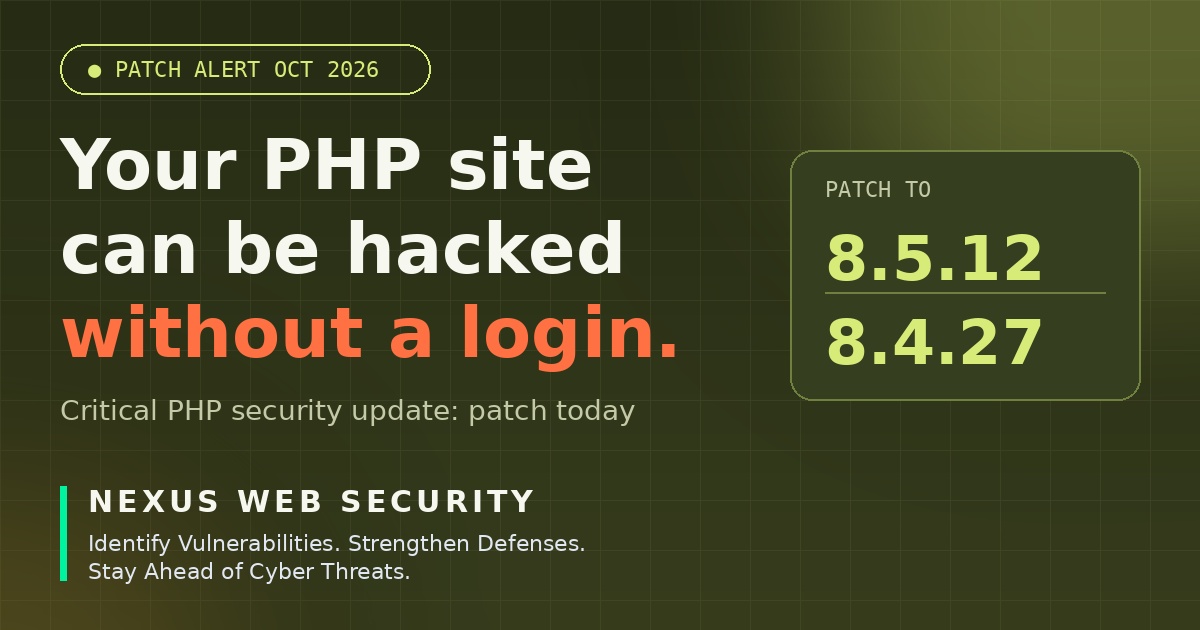
A critical PHP security update is out. PHP has released emergency security versions 8.5.12 and 8.4.27 to fix two critical vulnerabilities, CVE-2026-109618 and CVE-2026-109619. Both can allow unauthenticated remote code execution (RCE), which means an attacker may be able to run code on your server without logging in.
If your website, online store or web app runs on PHP, including WordPress and Laravel sites, this update should not wait for your next maintenance window. This guide explains what happened, whether you are affected, how to patch safely and how to check that nobody got in before you updated.
Table of Contents
What happened?
On October 21, 2026, the PHP project published a new PHP security update for the 8.5 and 8.4 branches. The release fixes two critical vulnerabilities that can lead to remote code execution. The full technical details were kept limited until the patch was available, and the official release notes do not describe a complete workaround. In practice, updating PHP is the only safe fix. You can read the official release notes here: PHP 8.5.12 on GitHub and PHP 8.4.27 on GitHub.
Why this PHP security update is serious
- No login required. The attacker does not need a username, password or admin access first.
- Remote code execution. If exploited, an attacker can run their own code on the
server. That can mean reading files, stealing database credentials, installing backdoors or taking control of the whole site. - No complete workaround. You cannot reliably “configure around” the problem. The fix is in PHP itself.
- The patch is public. Once a fix is released, attackers can study what changed. The longer a server stays unpatched, the more time they have to build and automate attacks.
Are WordPress and Laravel sites affected?
The flaws are in PHP itself, not in WordPress, Laravel or any specific plugin. That means the PHP security update has to be applied at the server level. That has two practical meanings:
- Updating WordPress core, themes or plugins will not fix this issue. You need to update the PHP version your server runs.
- Updating PHP does not replace normal WordPress and plugin updates. Keep doing both. Any website running a vulnerable PHP version should treat itself as exposed, whether it is a small business site, a custom PHP application or a high-traffic store.
How to check your PHP version
Use whichever method fits your setup:
- On your server: run php -v. Note that the command-line version can differ from the version your website actually uses.
- In WordPress: go to Tools → Site Health → Info → Server and look at the PHP version.
- On shared hosting: open your hosting control panel (for example the PHP version or MultiPHP manager in cPanel) and check the version assigned to your domain.
- Not sure? Ask your hosting provider or developer to confirm the exact PHP version used by each of your sites.
If you are on 8.5.x or 8.4.x, the target versions are 8.5.12 and 8.4.27. If you run an older branch such as 8.3 or below, check the official PHP advisory to confirm whether a patched release exists for your branch. If your branch no longer receives security fixes, plan an upgrade to a supported version.
How to install the PHP security update safely: step by step
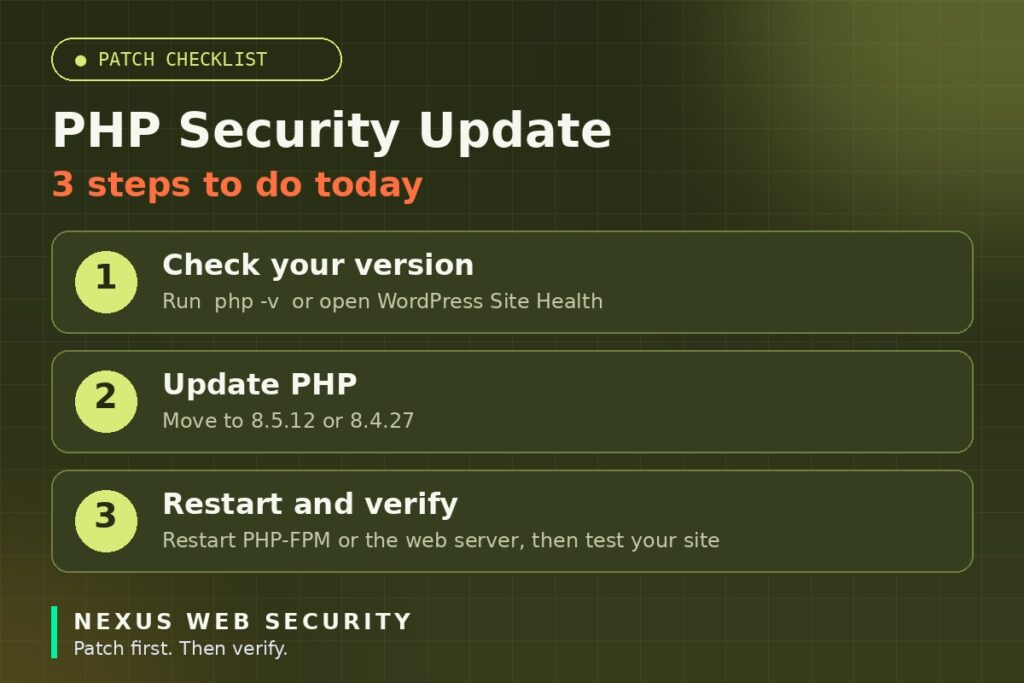
- Take a backup. Back up your files and database before changing anything and store the backup off the server.
- Update PHP. Move to 8.5.12 or 8.4.27 using your package manager, hosting panel or deployment pipeline. On managed or shared hosting, switch to the patched version in the panel or ask your host to do it.
- Restart the service. Restart PHP-FPM or your web server. Until you do, the old version may keep running in memory.
- Confirm the web-facing version. Check Site Health in WordPress or your hosting panel. If you use a temporary phpinfo() file to check, delete it immediately afterwards, because leaving it public exposes server details.
- Test your site. Check forms, checkout, login and key plugins. If something breaks, fix the compatibility issue rather than rolling back to a vulnerable version.
- Tell your team and clients. Developers, freelancers and agencies often manage servers you do not see. Make sure each one has patched.
What if you cannot update today?
Be honest about the risk. Because no complete workaround exists, there is no setting that makes an unpatched server safe. In the meantime:
- Ask your host or developer for an exact time they will patch and escalate if they cannot give one.
- A web application firewall (WAF) can reduce exposure to known attack patterns, but treat it as a short-term stopgap, not a fix.
- For low-value or unused sites, consider taking them offline until they are patched.
- Monitor closely for the warning signs listed below.
Signs your site may already be compromised
Updating PHP closes the door, but it does not remove an attacker who is already inside.
Check for:
- Unknown admin users or recently changed passwords you did not set.
- Unfamiliar PHP files, especially in upload folders or with random names, or files modified at odd times.
- Unexpected redirects, spam pages or a browser or search engine warning about your site.
- Unknown scheduled tasks (cron jobs) or plugins you never installed.
- Sudden CPU spikes or unusual outgoing traffic from the server If you find any of these, do not just delete the file and move on. Preserve evidence, change all credentials (hosting, database, WordPress, FTP/SSH), and have the site properly investigated and cleaned.
A quick checklist for agencies and freelancers
- List every client site and the PHP version it runs
- Patch the highest-risk sites first: e-commerce, membership, login-heavy and high-traffic sites.
- Confirm each update on the live server, not just on staging.
- Send clients a short note explaining what was done and why.
- Schedule a follow-up checks for signs of compromise.
Frequently asked questions
Do I need to update WordPress too?
Keep WordPress, themes and plugins updated as usual, but that alone does not fix this issue. The vulnerabilities are in PHP, so the PHP version must be updated.
Is shared hosting affected?
Yes, if your hosting account uses a vulnerable PHP version. You usually cannot update PHP at the server level yourself, but you can switch to the patched version in your control panel or ask your host.
Is a firewall enough to protect me?
Not on its own. A WAF may help block some attack patterns, but there is no announced complete mitigation, so updating PHP is the real fix.
How fast should I install the PHP security update?
As soon as you can safely do so, ideally today. Critical, unauthenticated RCE issues tend to attract attacker attention quickly once a patch is public.
How do I know if I was hacked before I patched?
Look for the warning signs above. If you are unsure, a professional review of your files, users, logs and scheduled tasks can confirm whether your site is clean.
How Nexus Web Security can help
If you want a second pair of eyes, Nexus Web Security supports you at each stage:
- Not sure what is exposed? Request a free, non-invasive exposure audit of your publicly visible risk signals.
- Think your site was already compromised? Our WordPress malware recovery covers backdoor removal, database cleanup, redirect repair, blacklist support, patching and hardening.
- Want to know how an attacker would actually get in? Our VAPT and penetration testing services test your web apps, APIs and infrastructure with manual validation and a clear remediation report.
- Active incident right now? Use our emergency intake.
All testing is performed only on assets you are authorized to test, with scope and boundaries agreed before any technical work begins.