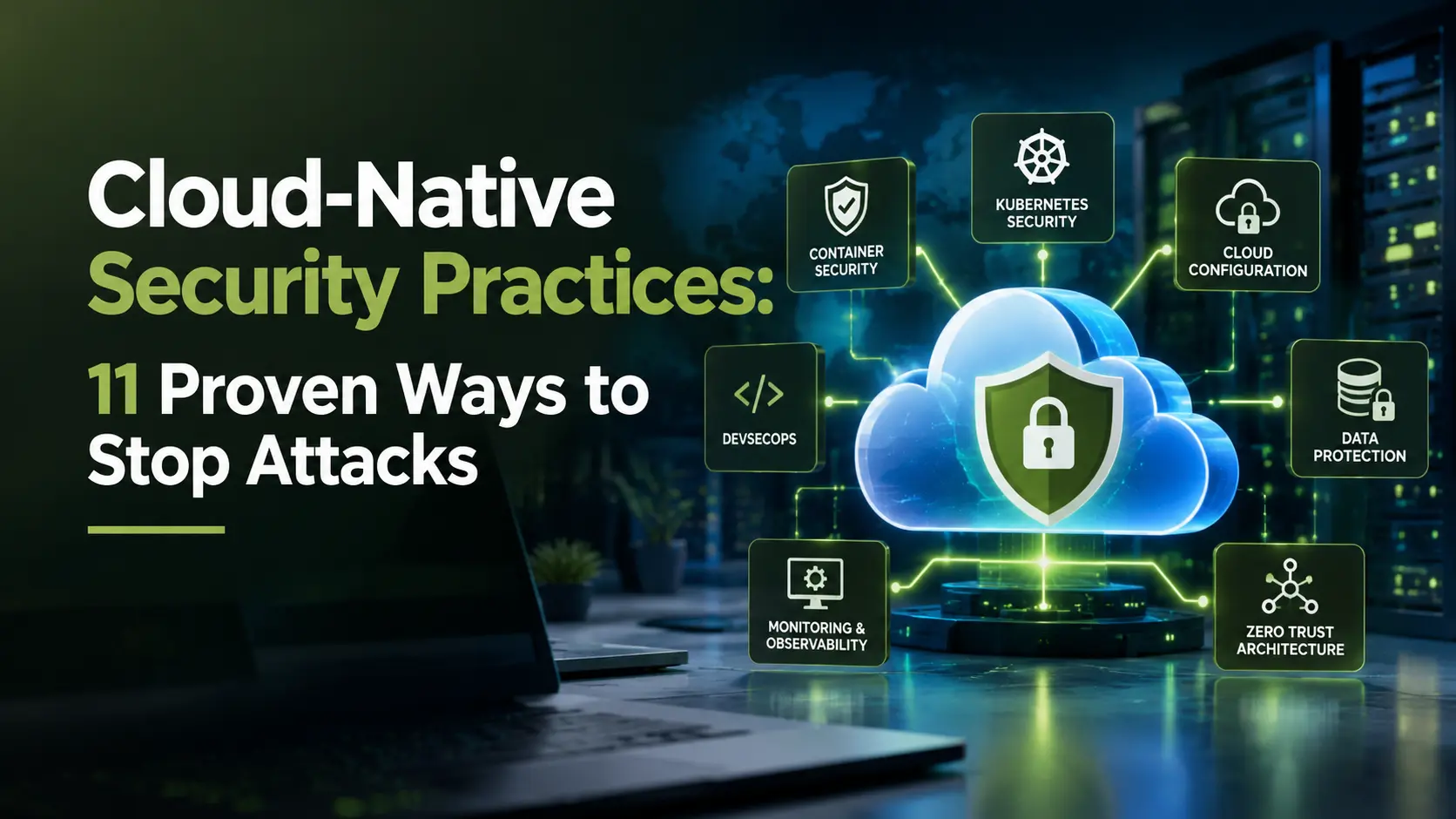
Cloud-native security practices are the rules, tools and habits that protect applications built from containers, microservices and cloud services. Traditional firewalls cannot protect workloads that start, scale and disappear in seconds. Cloud-native security practices fix that gap by building protection into every layer, from code to cloud account.
This guide gives you 11 proven steps, a simple tool map and a ready-to-use checklist. Whether you run a startup on AWS or an enterprise on multi-cloud, you can use these cloud-native security practices today.
Table of Contents
What Are Cloud-Native Security Practices?
Cloud-native security practices protect apps that are designed for the cloud. These apps use containers, Kubernetes, serverless functions, APIs and automated pipelines. Each part changes often, so security must be automated and continuous.
In a traditional data center, you guarded one network edge. In the cloud, every service, identity and API is a possible entry point. That is why cloud application security and cloud infrastructure security now work together instead of separately.
Good cloud-native security practices share four traits:
- Automated: checks run in the pipeline, not by hand.
- Layered: controls cover code, containers, clusters and cloud accounts.
- Identity-first: access depends on who or what is asking, not where it sits.
- Continuous: monitoring never stops, because the environment never stops changing.
Why Cloud-Native Security Practices Matter in 2026
Attackers know that one cloud mistake can expose millions of records. A public storage bucket, an overpowered role or a leaked key is often enough. According to IBM’s Cost of a Data Breach report, the average US breach cost about $10.22 million in 2025.
Cloud-native security practices lower that risk in three ways:
- Fewer misconfigurations: automated policy checks catch mistakes before launch.
- Faster response: logs and alerts shrink the time attackers stay hidden.
- Easier compliance: repeatable controls make audits simpler.
Remember that the provider secures the cloud itself, while you secure what you put in it. The AWS shared responsibility model explains this split clearly, and Azure and Google Cloud follow the same idea.
The 4 Cs of Cloud-Native Security
The Kubernetes project describes cloud-native security in four layers, often called the 4 Cs. Each layer depends on the one outside it.
| Layer | What it covers | Example control |
|---|---|---|
| Cloud | Accounts, networks, IAM | Least-privilege roles |
| Cluster | Kubernetes configuration | RBAC and network policies |
| Container | Images and runtime | Image scanning, non-root users |
| Code | Your application | SAST, dependency checks |
If the outer layer is weak, the inner layers cannot save you. So start at the cloud layer and work inward.
11 Cloud-Native Security Practices That Work
Use these cloud-native security practices in order. Each one builds on the last.
1. Understand Shared Responsibility
List what your provider secures and what you must secure. Most cloud breaches come from the customer side, such as weak identity settings or open storage. Write the split down for every service you use.
2. Enforce Least-Privilege Access
Give every user, service and pipeline only the permissions it needs. Remove unused roles every quarter. Require multi-factor authentication for all human accounts. Strong identity control is the base of cloud security management.
3. Adopt Zero Trust Security
Zero trust security means never trusting a request just because it comes from inside your network. Verify identity, device and context every time. The NIST Zero Trust Architecture guide is a good blueprint for planning.
4. Follow Container Security Best Practices
Containers are fast but easy to get wrong. Follow these container security best practices:
- Use small, trusted base images.
- Scan images for known vulnerabilities before every release.
- Run containers as a non-root user.
- Sign images so only approved ones can run.
5. Harden Kubernetes Security
Kubernetes security starts with locked-down defaults. Turn on role-based access control, restrict network traffic with policies and protect the API server. Compare your cluster against the CIS Benchmarks and review the OWASP Kubernetes Top Ten for common risks.
6. Shift Left With DevSecOps
DevSecOps adds security checks to every build. Use SAST to scan code, dependency scanning for open-source risks and Infrastructure as Code scanning for Terraform and cloud templates. Fixing a flaw in the pipeline costs far less than fixing it in production.
7. Protect Secrets
Never store passwords, API keys or tokens in code or images. Use a secrets manager, rotate keys often and alert on any secret found in a repository.
8. Fix Cloud Misconfigurations Continuously
Cloud misconfiguration is the top everyday cause of leaks. Cloud Security Posture Management (CSPM) tools scan your accounts and flag open buckets, risky roles and missing encryption. Run them continuously, not once a quarter.
9. Encrypt and Control Your Data
Good cloud data management means knowing where sensitive data lives. Encrypt data at rest and in transit, manage your own keys where rules require it and apply retention limits.
10. Monitor, Log and Respond
Turn on audit logging in every account. Send logs to a central platform, alert on unusual activity and practice your incident plan. Know how to respond to a Kubernetes security incident before it happens.
11. Test Your Defenses Like an Attacker
Controls that are never tested often fail. Regular penetration testing shows which weaknesses an attacker can really use. A cloud security assessment reviews your accounts, identities and workloads against best practice. Pair both with VAPT services for full coverage of apps, APIs and infrastructure. Teams that practice DevSecOps penetration testing also catch pipeline flaws early.
Cloud-Native Security Tools at a Glance
No single product covers everything. Most teams combine a few tool types:
| Tool type | Purpose | Helps with practice |
|---|---|---|
| CSPM | Finds cloud misconfigurations | 8 |
| Container scanner | Finds image vulnerabilities | 4 |
| SAST and IaC scanner | Checks code and templates | 6 |
| Secrets manager | Stores and rotates secrets | 7 |
| CASB | Controls cloud app and data use | 9 |
| SIEM | Centralizes logs and alerts | 10 |
Start small. A free scanner in your pipeline beats an expensive tool nobody uses. The Cloud Security Alliance publishes free guidance if you need a roadmap.
Cloud-Native Security Practices on AWS, Azure and Google Cloud
The principles stay the same on every platform, but the tool names change. On AWS, teams use IAM, GuardDuty and Security Hub. On Azure, they lean on Entra ID, Defender for Cloud and Azure Policy. On Google Cloud, they use IAM, Security Command Center and VPC Service Controls.
Most enterprise cloud setups use more than one provider. In that case, choose a central layer for identity, logging and posture checks so you do not manage three separate rulebooks. Good cloud infrastructure management also means tagging every asset with an owner, so alerts reach a real person fast.
For teams that build new products, cloud application development should start with a threat model. Ask what an attacker would target first, then design controls around those answers.
Cloud-Native Security Practices Checklist
Copy this checklist into your team wiki:
- Document the shared responsibility split for each cloud service.
- Enable MFA and remove unused accounts and roles.
- Apply least-privilege policies to people and workloads.
- Scan every container image and IaC template in CI/CD.
- Run containers as non-root and sign approved images.
- Enable RBAC and network policies in Kubernetes.
- Move all secrets into a secrets manager.
- Run CSPM continuously and fix high-risk findings first.
- Encrypt data at rest and in transit.
- Centralize logs and test your incident response plan.
- Schedule a penetration test and a cloud security assessment each year.
How to Roll Out Cloud-Native Security Practices in 30 Days
You do not need a year-long program. Use this simple plan to start strong:
- Week 1, visibility: list every cloud account, cluster and public endpoint.
- Week 2, identity: enforce MFA, remove stale users and tighten admin roles.
- Week 3, pipeline: add image, code and IaC scanning to CI/CD.
- Week 4, proof: run a posture scan, fix critical findings and book a security test.
Small, steady progress beats a perfect plan that never launches.
Metrics That Prove Your Cloud-Native Security Practices Work
Leaders fund what they can measure. Track these numbers monthly:
- Mean time to remediate: how fast critical findings get fixed.
- Image scan coverage: the share of images scanned before deployment.
- Open misconfigurations: the count of high-risk cloud issues.
- Privileged accounts: how many people hold admin rights.
- Test findings closed: the percentage of pentest issues fixed on time.
Managed Cloud Security Services and Careers
Small teams often lack time or skills. Managed cloud security services monitor your environment, tune alerts and respond to incidents for a monthly fee. Cloud security consulting is better when you need a one-time design review or a roadmap.
When you compare providers, ask these questions:
- Do they cover your cloud platform and Kubernetes?
- Can they show sample reports and response times?
- Do they offer testing as well as monitoring?
Building an in-house team? A cloud security engineer designs and runs controls day to day. Credentials such as the Certified Cloud Security Professional (CCSP) show solid knowledge, though hands-on experience matters just as much.
Common Cloud Security Mistakes
Avoid these errors when applying cloud-native security practices:
- Trusting defaults: many services launch with wide-open settings.
- Ignoring identity: stolen credentials cause more damage than software bugs.
- Scanning once: new images and changes create new risk daily.
- Skipping multi cloud security planning: each provider has different controls, so one policy rarely fits all.
- No testing: untested controls give a false sense of safety.
Also keep cloud compliance in view. Frameworks such as SOC 2, HIPAA and PCI DSS expect documented controls, logging and regular testing.
Cloud-Native Security Practices FAQs
What are cloud-native security practices?
They are methods for protecting applications built with containers, microservices and cloud services. They focus on automation, identity, continuous monitoring and layered defense.
What are the 4 Cs of cloud-native security?
Cloud, Cluster, Container and Code. Each layer needs its own controls, and weakness in an outer layer affects the inner ones.
How are cloud-native security practices different from traditional security?
Traditional security guards a fixed network perimeter. Cloud-native security practices protect short-lived workloads, identities and pipelines across many services.
Which cloud-native security practices should I start with?
Start with identity and access control, then misconfiguration scanning, then container and pipeline checks. These three remove most everyday risk.
Do small businesses need cloud-native security practices?
Yes. Attackers scan the internet for exposed cloud resources of every size. Small teams can start with MFA, least privilege, CSPM and managed cloud security services.
What is the difference between CSPM and CWPP?
CSPM checks your cloud account settings for misconfigurations. CWPP protects the workloads themselves, such as virtual machines and containers, at runtime. Most teams eventually use both.
How often should I test cloud security?
Run automated scans continuously and book manual testing at least once a year, plus after major architecture changes.
Conclusion: Put Cloud-Native Security Practices to Work
Cloud-native security practices work best when they are automated, layered and tested. Start with identity, fix misconfigurations, secure your containers and pipelines, and prove it all with real attack testing.
Want to know where your cloud is exposed? Request a security assessment from Nexus Web Security and get a clear, prioritized fix list.