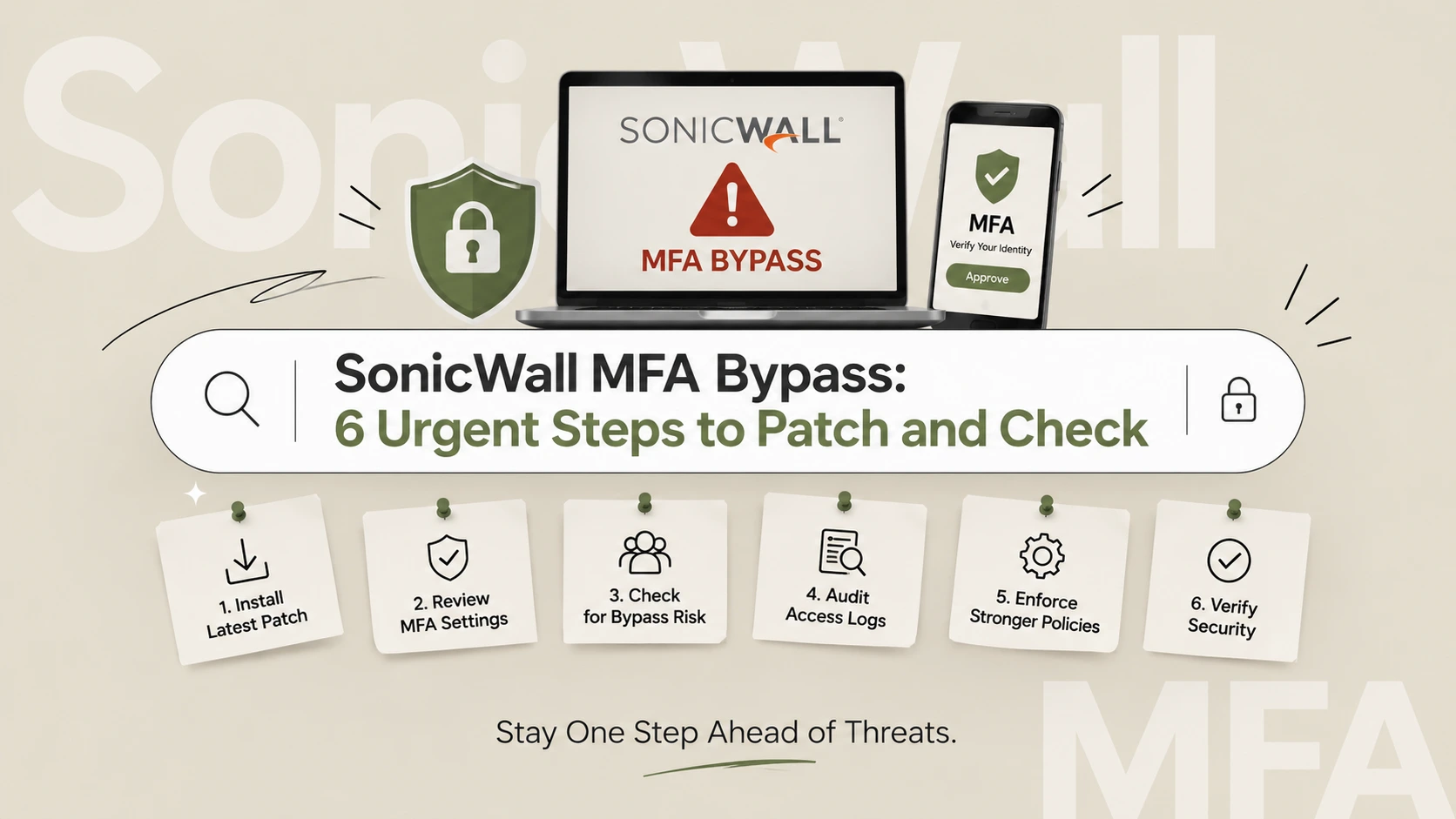
A SonicWall MFA bypass is now being exploited in the wild. The flaw, tracked as CVE-2026-19868, affects the SSL-VPN service on SonicOS firewalls that use SAML sign-in. CISA has added it to its Known Exploited Vulnerabilities list, so treat it as a patch-now issue.
This guide explains what the SonicWall MFA bypass does, who is affected, and how to patch and check your VPN logs. It also covers what to ask your managed provider and where penetration testing fits once the update is in.
Table of Contents
SonicWall MFA Bypass: What Happened
SonicWall published security advisory SNWLID-2026-0014 on Friday 6 November. It fixes seven vulnerabilities in SonicOS, and one of them is the SonicWall MFA bypass.
BleepingComputer reports that SonicWall investigated a report of exploitation and urged customers to upgrade as soon as possible.
What the SonicWall MFA Bypass Does
CVE-2026-19868 lets an attacker who holds valid credentials for an alternate authentication method get around SAML authentication controls. That can include MFA enforced through SAML. The flaw has a CVSS score of 7.1 and affects only SSL-VPN services configured to use SAML.
The detail matters. This is not a way for a stranger with no credentials to walk in. The attacker needs a valid login for another method. But stolen credentials are common, so the SonicWall MFA bypass can turn a leaked password into VPN access.
Which SonicOS Versions Are Affected
According to BleepingComputer, the affected releases are:
- SonicOS Gen7 7.3.3-7015 and earlier
- SonicOS Gen8 8.2.2-8015 and earlier
SonicWall fixed the issues in 7.3.4-7013 and 8.2.3-8015. It says there are no workarounds, so upgrading is the fix.
The Six Other Flaws in the Same Advisory
The same update fixes six more vulnerabilities:
- Two management-interface flaws rated 8.8 that let unauthenticated attackers perform unauthorised operations under specific conditions
- Pre-authentication buffer overflows in the SSL-VPN and TACACS+ services that can cause denial of service
- A weak password hashing issue affecting virtual appliances
So even if you do not use SAML, this update matters.
SonicWall MFA Bypass Facts: Confirmed vs Unconfirmed
Some pages overstate this. Use the table to keep your own messaging accurate. Update it as SonicWall and CISA publish more.
| Claim | Status |
|---|---|
| CVE-2026-19868 lets attackers bypass SAML authentication, potentially including MFA | Confirmed by SonicWall’s advisory as reported |
| It affects SSL-VPN configured with SAML | Confirmed |
| It is exploited in the wild | Confirmed by CISA’s KEV listing |
| Attackers need valid credentials for an alternate authentication method | Confirmed as reported |
| Fixed in 7.3.4-7013 and 8.2.3-8015, no workaround | Confirmed as reported |
| Anyone on the internet can skip MFA with no credentials | Not supported by the reporting |
| Who is exploiting it, and how many victims | Not disclosed |
| This is the same flaw as the earlier SMA1000 attacks | No. Those hit a different product line |
How the SonicWall MFA Bypass Works in Plain English
SonicWall has not published exploitation details, so this is a plain-English illustration, not a technical write-up.
Many VPNs allow more than one way to sign in. A company might use SAML single sign-on, where the identity provider asks for MFA. The same VPN might also accept a local account or another method for admins or contractors.
If the firewall can be tricked into accepting a login through the alternate method in a way that skips the SAML checks, the identity provider’s MFA prompt never fires. The VPN logs show a successful sign-in. The identity provider logs show nothing.
That gap is the clue. It is also why Step 3 below compares the two sets of logs.
Is SonicWall Safe? The Bigger Picture
No vendor is immune, and a single patch does not make a product unsafe. Still, the company’s SMA1000 line has seen repeated attacks this year. BleepingComputer notes a series on its remote access appliances: two zero-days exploited in July, chained zero-days in September, and exploitation attempts against a maximum-severity SMA1000 flaw in October.
Those are different appliances from the SonicOS firewalls in this story. The lesson is general: internet-facing VPNs and firewalls are favourite targets, so they need fast patching and monitoring. If you are asking “is SonicWall safe?”, the honest answer is that safety depends on how quickly you patch and how you configure it.
6 Urgent Steps to Fix the SonicWall MFA Bypass
Follow these in order. Most teams can finish steps 1 and 2 today.
Step 1: Check Whether the SonicWall MFA Bypass Affects You
Answer three questions:
- Do you run SonicOS Gen7 or Gen8?
- Is your SonicOS version 7.3.3-7015 or earlier, or 8.2.2-8015 or earlier?
- Is your SSL-VPN set to use SAML authentication?
If the answer to all three is yes, you are exposed to the SonicWall MFA bypass. Even if you answered no to the third, patch for the other six flaws.
Step 2: Upgrade to the Fixed Release
Move to 7.3.4-7013 or 8.2.3-8015. SonicWall states there are no workarounds. Export your configuration first, schedule a short maintenance window and test VPN logins afterwards. Read the official SonicWall advisory for your exact model.
The CISA Known Exploited Vulnerabilities catalog entry set a deadline of 20 November for US federal civilian agencies. Use the same deadline for your own business.
Step 3: Check Your VPN Logs for a Missing MFA Event
This is how to check if a SonicWall VPN was compromised. Look back at least several weeks and compare two sources:
- Firewall logs: successful SSL-VPN logins, the account used, the source IP and the time.
- Identity provider logs: the matching SAML sign-in and MFA challenge.
Red flags include:
- A successful VPN login with no matching identity provider event
- Logins through local or alternate accounts that normally use SSO
- New accounts or recent changes to account settings
- Sign-ins at odd hours or from unfamiliar countries
Good SonicWall VPN logs on MFA events make this fast. If your logs are short, export them now before they roll over.
Step 4: Clean Up Alternate Sign-In Methods
The bypass depends on a second way to authenticate. Reduce it:
- Delete unused local accounts and shared logins.
- Disable sign-in methods you do not need.
- Reset passwords for any account that has VPN access.
- Give each user the lowest access they need.
Step 5: Lock Down the Management Interface
The advisory includes two management-interface flaws rated 8.8. Do not leave the admin interface open to the internet. Restrict it to a trusted network or specific IP addresses, and require MFA for administrators.
Step 6: Add Monitoring and Test Your Defences
Set up network security monitoring that alerts on VPN logins without an identity provider match, new accounts and unusual source locations. Then validate the whole setup with a VAPT assessment. A patch closes one hole. A test shows what else is open.
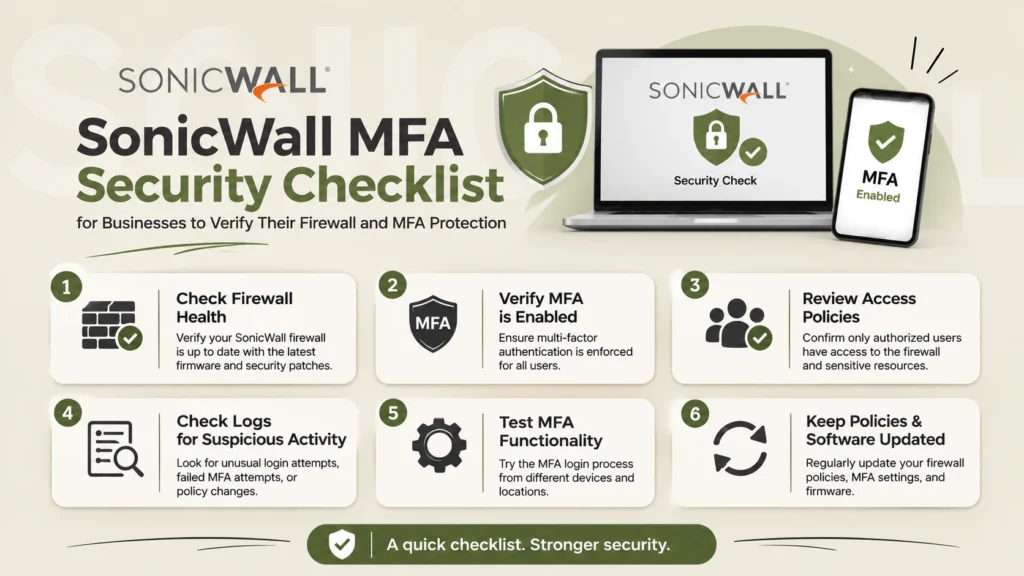
If You Use Managed Firewall Services
Many small businesses do not run their own firewall. A provider does. If that is you, send your provider these questions today:
- Are any of our firewalls on SonicOS Gen7 or Gen8, and which versions?
- Do our SSL-VPN settings use SAML?
- When will the fixed release be installed, and who approves the downtime?
- Have you reviewed VPN logs for sign-ins without MFA events?
- Which local or alternate accounts exist, and who owns them?
Ask for answers in writing. Add these checks to your vendor security questionnaire so they become routine. Managed firewall services are only as good as the patch speed and logging behind them.
What To Do If You Think You Were Compromised
If your log review turns up suspicious sign-ins:
- Preserve logs and take screenshots before you change anything.
- Disable the affected accounts and reset their passwords.
- Check what those accounts could reach inside your network.
- Review recent changes to firewall rules and admin accounts.
- Bring in a specialist for a security risk assessment of what the attacker touched.
Do not assume a single suspicious login is harmless. A VPN sign-in is a door into your internal network.
Penetration Testing for VPNs and Firewalls
Would a penetration test have caught the SonicWall MFA bypass? Not by itself. This flaw is a product bug that researchers found and the vendor fixed, and patching is the cure. What testing does find is the surrounding weakness: exposed management interfaces, forgotten local accounts, weak passwords and gaps between your VPN and your identity provider.
That is why penetration testing is important even when you patch quickly. Ethical hacking penetration testing shows how an attacker would move once they have one stolen password.
External Penetration Testing
External penetration testing attacks your public-facing systems the way an anonymous attacker would. It checks which VPN and firewall services are visible, which versions they report and how they handle logins.
Infrastructure and Network Penetration Testing
Infrastructure penetration testing goes behind the firewall. It tests what a VPN user, or someone with a stolen VPN login, can reach. Network penetration testing helps you find flat networks where one account can see everything.
Automated vs Manual Penetration Testing
Automated penetration testing is quick and affordable, so it suits frequent checks after patches. Manual testing finds logic flaws, weak authentication paths and chained issues that scanners miss. Strong programs use both.
Vulnerability Assessment and Penetration Testing
A scan lists known vulnerabilities. A test tries to exploit them and shows real impact. Our vulnerability assessment and penetration testing engagements combine both and finish with a prioritised report.
Third-Party Penetration Test
Insurers, customers and regulators often ask for a third-party penetration test. An independent report proves your controls work and shortens security questionnaires. For the VPN and firewall, ask the tester to include authentication paths and management access.
Cyber Insurance, MFA and Your Policy
Many cyber insurance policies and applications ask whether you use MFA on remote access. If MFA could be bypassed, review your answers and your policy wording. Ask your broker whether a flaw like this affects your cover, and whether you must report a suspected compromise.
This is general information, not insurance or legal advice. Keep records of when you patched and what you checked, because they may help later.
Choosing and Maintaining a Hardware Firewall
Patching is easier when your device is supported. When you buy or renew a hardware firewall, check how long it will receive security updates, how quickly the vendor ships fixes and whether logging is good enough for investigations. Replace devices that no longer get updates, because an unsupported firewall at your network edge is a standing risk.
Follow the identity guidance in the NIST digital identity guidelines and CISA’s multi-factor authentication resources, and keep a short list of every remote access path you run.
SonicWall MFA Bypass FAQ
What is the SonicWall MFA bypass?
It is CVE-2026-19868, a flaw in SonicOS SSL-VPN with SAML sign-in. An attacker with valid credentials for an alternate method can bypass SAML controls, potentially including MFA.
Is the SonicWall MFA bypass being exploited?
Yes. SonicWall investigated a report of exploitation, and CISA added the flaw to its Known Exploited Vulnerabilities catalog.
Which versions are affected by the SonicWall MFA bypass?
SonicOS Gen7 7.3.3-7015 and earlier, and Gen8 8.2.2-8015 and earlier.
How do I fix the SonicWall MFA bypass?
Upgrade to 7.3.4-7013 or 8.2.3-8015. SonicWall says there are no workarounds.
How do I check if my SonicWall VPN was compromised?
Compare firewall VPN logs with identity provider logs. Look for successful VPN logins with no matching MFA event, unusual accounts and odd source locations.
Do I need SAML configured to be affected?
The SonicWall MFA bypass affects only SSL-VPN services using SAML. The same update fixes six other flaws, so everyone on the affected versions should upgrade.
Is SonicWall safe to use?
Safety depends on patching speed and configuration. The SMA1000 attacks mentioned in reports involve a different product line, but all internet-facing VPNs need quick patching and monitoring.
Can penetration testing find this kind of issue?
Testing will not find a vendor bug before the vendor does, but it can find exposed management interfaces, forgotten accounts and weak authentication paths, and it can confirm your patch worked.
What if I use managed firewall services?
Ask your provider for your SonicOS version, SAML status, patch date and a log review in writing.
Final Thoughts and Next Step
The SonicWall MFA bypass is a reminder that MFA only helps if every login path honours it. Patch to the fixed release, compare your VPN and identity logs, remove alternate sign-in methods you do not need and lock down management access.
Not sure your VPN and firewall hold up? The Nexus Web Security team can test them for you. Request a VAPT assessment today and find out what an attacker would find first.