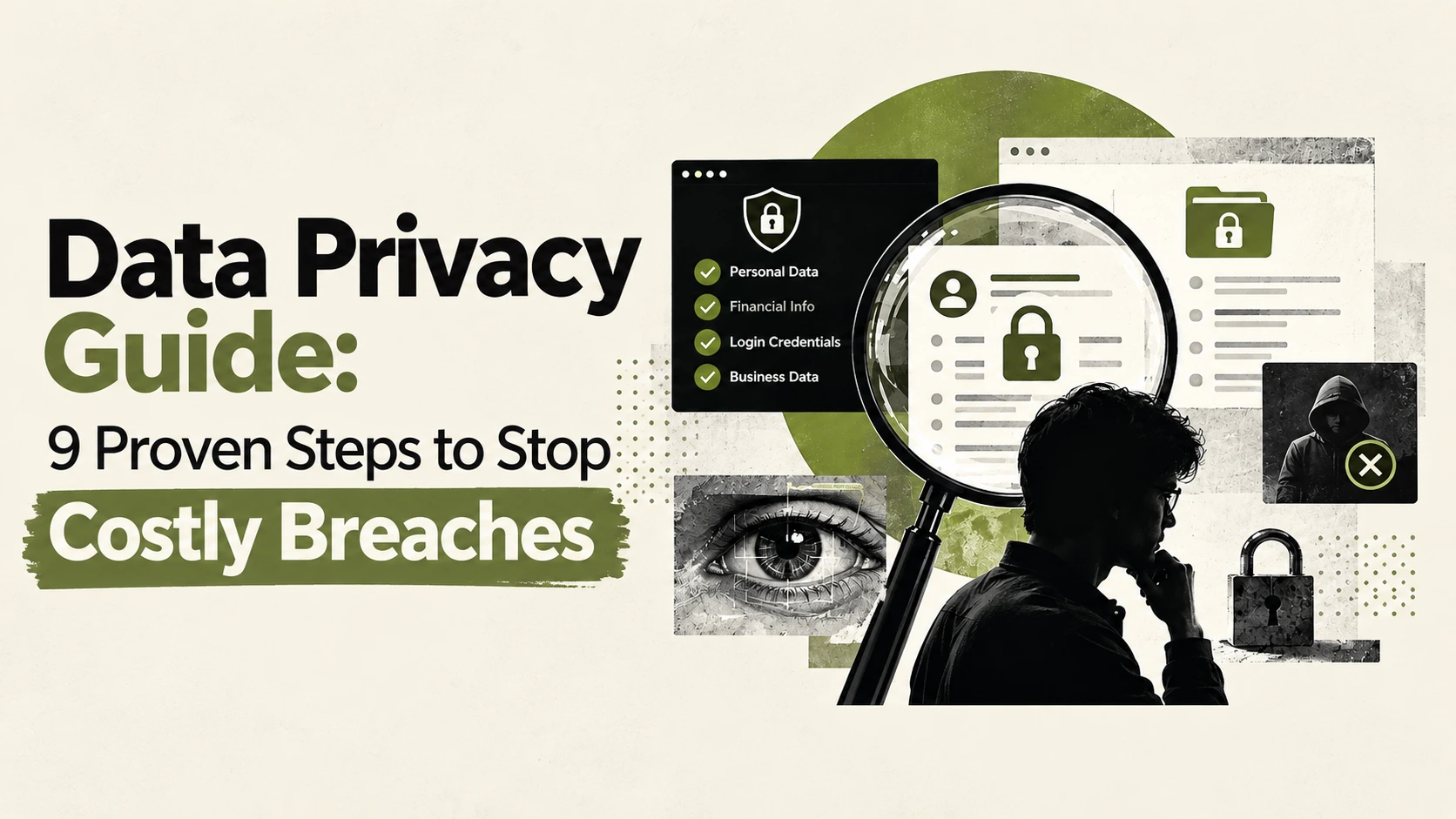
Data privacy is the right to control how your personal information is collected, used, shared and deleted. In 2026 it is also a business risk. Laws are stricter, breaches are larger, and attackers know exactly where sensitive records live.
This pillar guide explains data privacy in plain language. You will learn the key laws, your rights, the real-world risks and the practical steps that protect people and companies. It also shows where penetration testing fits into a serious privacy program.
Table of Contents
What Is Data Privacy?
Data privacy focuses on who may use your data, and why. It covers consent, purpose, retention and sharing. A company with good data privacy collects only what it needs, tells people what it does with it, and deletes it when the purpose ends.
Think of a hospital. It must collect your medical history to treat you. Data privacy rules decide who else may see that history, and for how long.
Data Privacy vs. Data Security vs. Data Protection
Most pages blur these three terms. They are related, but they are not the same.
| Term | Core question | Example |
|---|---|---|
| Data privacy | Who is allowed to use this data? | A user opts out of ad tracking |
| Data security | Who is able to access this data? | Encryption and access controls |
| Data protection | How do we do both, legally? | A compliance program with policies and audits |
You can have security without data privacy. A company can encrypt your records perfectly and still sell them without your consent. You cannot have real data privacy without security, because a breach defeats every promise made in a privacy policy.
Types of Personal Data
Not all data carries the same risk. Knowing the categories helps you decide how much protection each one needs.
- Personal data (PII): names, emails, phone numbers, home addresses and IP addresses.
- Sensitive data: health records, biometrics, financial details, government IDs and precise location.
- Employee data: payroll, performance records and background checks.
- Children’s data: usually protected by stricter rules and consent requirements.
The law treats sensitive data more seriously because misuse causes more harm. A leaked password can be changed. A leaked fingerprint or Social Security number cannot.
Data Privacy Laws You Should Know
Rules differ by region, and many apply based on where your users live, not where your company sits.
- GDPR (European Union): requires a lawful basis for processing, grants individual rights and demands breach notification within 72 hours. Fines can reach €20 million or 4% of global annual turnover.
- CCPA/CPRA (California): gives residents the right to know, delete, correct and opt out of the sale or sharing of their information.
- HIPAA (United States): protects health information held by covered entities.
- UAE PDPL (United Arab Emirates): Federal Decree-Law No. 45 of 2021 sets the national framework for personal data. Check current guidance for its implementing rules.
- India DPDP Act (2023): governs digital personal data and consent.
Many sites cover only the EU and the US. If your customers are in the Middle East or Asia, regional laws may apply to you today.
Your Data Privacy Rights (and How to Use Them)
Most laws give individuals a similar set of rights. Here is how to use them in practice.
- Find out who holds your data. Check the company’s privacy policy for a privacy contact or a data protection officer.
- Send a data subject access request (DSAR). Write to the company asking what data they hold, why, and who receives it.
- Ask for correction or deletion. Name the data and cite your rights under the law that applies to you.
- Keep a record. Save the date, the request and the reply. Companies usually have about one month to respond under GDPR.
- Escalate if ignored. Contact your regulator or attorney general.
A simple request can read: “Under applicable privacy law, please confirm whether you process my personal data and provide a copy, the purposes, and the recipients.”
Why Data Privacy Fails in Real Life
Rules on paper and practice on the ground often diverge. Three problems come up again and again.
Dark patterns. Cookie banners that make “Accept all” bright and “Reject” hidden undermine genuine consent.
“Anonymized” data that is not. Combine a few datasets and a person can often be re-identified. True anonymization is harder than a name-removal script.
Weak security behind strong promises. The best privacy policy is worthless if systems are exposed.
Recent breaches show this clearly. The Pentagon’s personnel agency confirmed that unencrypted files on a file-sharing system exposed data on more than 3 million people, according to SecurityWeek. Separately, the group ShinyHunters claimed to have stolen FBI agent and applicant records through a jobs portal, as The Hacker News reported. The FBI confirmed it was investigating, but the scale of the claim is unverified.
Both stories point to the same lesson: privacy depends on technical controls that actually work.
Data Privacy for Small Businesses
Small teams are not exempt. A five-person company that collects customer emails and payment details still has duties.
Start with this short checklist:
- Map your data. List what you collect, where it is stored and who can see it.
- Collect less. Every extra field is extra risk.
- Publish a clear privacy policy. State what you collect, why, and how people can contact you.
- Get proper consent. Use cookie banners that offer a fair “Reject” option.
- Limit access. Staff should see only what their job requires.
- Plan for breaches. Know who to call and how to notify customers and regulators.
If your website takes forms, logins or payments, schedule security testing early. Strong security testing in web applications catches problems that no policy can.
Employee Data Privacy at Work
Employers hold very sensitive records: payroll, medical leave, background checks and device activity. Staff records are often overlooked.
Keep these principles in mind:
- Tell staff what you monitor and why.
- Avoid monitoring personal devices without clear consent and a legal basis.
- Restrict HR systems to those who need them.
- Protect recruiting portals, because they store dense personal data and are internet-facing.
HR and careers platforms are a favorite target. Treat them like any other critical system.
AI and Data Privacy
AI tools raise new questions. When you paste text or upload a file into a chatbot, where does it go? Is it stored? Could it be used for training?
Follow a simple rule: never share anything with an AI tool that you would not give to a stranger. That includes customer records, passwords, health details and confidential contracts.
For businesses, write an AI-use policy. Approve specific tools, check their data retention terms and block uploads of sensitive data.
Why Penetration Testing Protects Data Privacy
Here is the gap most privacy guides leave open. Laws ask you to use “appropriate technical measures.” Penetration testing is how you prove those measures work.
Why penetration testing is important: it simulates a real attacker. Instead of assuming your controls hold, you find the weak points before criminals do. The importance of penetration testing grows as more personal data moves online.
What a Penetration Test Covers
A good penetration testing engagement focuses on the places where personal data lives.
- Web application penetration testing: examines login pages, forms, APIs and session handling. It is the most common test, since websites hold customer data.
- External penetration testing: attacks your internet-facing systems from outside, the way a remote attacker would.
- Internal vs. external pen testing: an internal test assumes an attacker is already inside your network. Both views matter.
- Infrastructure penetration testing: checks servers, firewalls, cloud settings and file-sharing systems for exposure.
- Compliance penetration testing: tests aligned with standards. For example, PCI DSS expects regular testing for systems that handle card data.
A bank penetration testing project, for instance, adds payment flows, mobile apps and strict reporting rules.
The Penetration Testing Life Cycle
Understanding the penetration testing life cycle helps you plan:
- Scoping and rules of engagement: agree what is tested and what is off limits.
- Reconnaissance: gather information about targets.
- Vulnerability assessment and exploitation: find weaknesses and safely prove they can be used.
- Reporting: document findings by risk, with evidence.
- Remediation and retest: fix issues and confirm the fixes work.
A clear penetration testing scope keeps the project focused. Decide early which systems hold personal data and test those first. A simple pentest plan with dates, contacts and penetration testing rules of engagement avoids surprises.
How Often and How Long?
People often ask, how often should penetration testing be done? A sound answer is at least once a year, plus after major changes such as a new application, a migration or a significant update.
How long does a penetration test take? Small web applications may take days. Large environments can take weeks. Scope drives the timeline.
Penetration Testing Misconceptions
A few penetration testing misconceptions are worth clearing up:
- “A scanner is enough.” Automated penetration testing and a CMS vulnerability scanner find known issues fast. They miss logic flaws that a skilled tester finds.
- “We are too small to be a target.” Attackers scan the internet automatically. Size does not protect you.
- “One test is enough.” Systems change. Testing should repeat.
Pair testing with ongoing vulnerability management. Scanning finds known problems, patching fixes them, and penetration testing remediation verifies that the fixes actually work.
9 Steps to Strengthen Data Privacy
Use this checklist as your action plan.
- Map your data and know where personal information lives.
- Minimize collection. Keep only what you need.
- Write a clear privacy policy and keep it current.
- Use real consent with fair cookie choices.
- Encrypt sensitive data at rest and in transit.
- Control access with least privilege and multi-factor authentication.
- Manage vendors. Ask how third parties protect your data.
- Test your defenses with vulnerability assessment and penetration testing at least annually.
- Prepare an incident plan and rehearse it.
For individuals, a quick cleanup also helps: review app permissions, remove old accounts, use a password manager, enable multi-factor authentication and request deletion from data brokers.
The most common thread in modern breaches is basic: unpatched software, unencrypted files and exposed portals. Fixing these protects people better than any new policy document.
FAQ: Data Privacy
What is data privacy in simple terms?
Data privacy is your right to control how organizations collect, use, share and delete your personal information.
What is the difference between data privacy and data security?
Privacy decides who is allowed to use data. Security decides who is able to access it. You need both.
Does GDPR apply to businesses outside Europe?
Yes, if you offer goods or services to people in the EU or monitor their behavior. Where your company is based does not matter.
Do small businesses need to follow data privacy laws?
Yes. Some laws have size or revenue thresholds, but many apply regardless. Collecting customer data creates obligations.
How does penetration testing support data privacy compliance?
It verifies that your technical safeguards hold up against real attack techniques. It also produces evidence for auditors and regulators.
What should I do after a data breach?
Contain the incident, assess what was exposed, notify regulators and affected people as the law requires, and fix the root cause. Then retest.
Protect Your Data Before Attackers Test It
Policies promise data privacy. Security testing proves it.
Nexus Web Security helps organizations find exploitable weaknesses before criminals do. You get clear findings, prioritized fixes and expert remediation support, all mapped to your privacy goals.